Windows 11 to Run Better on 8GB RAM PCs
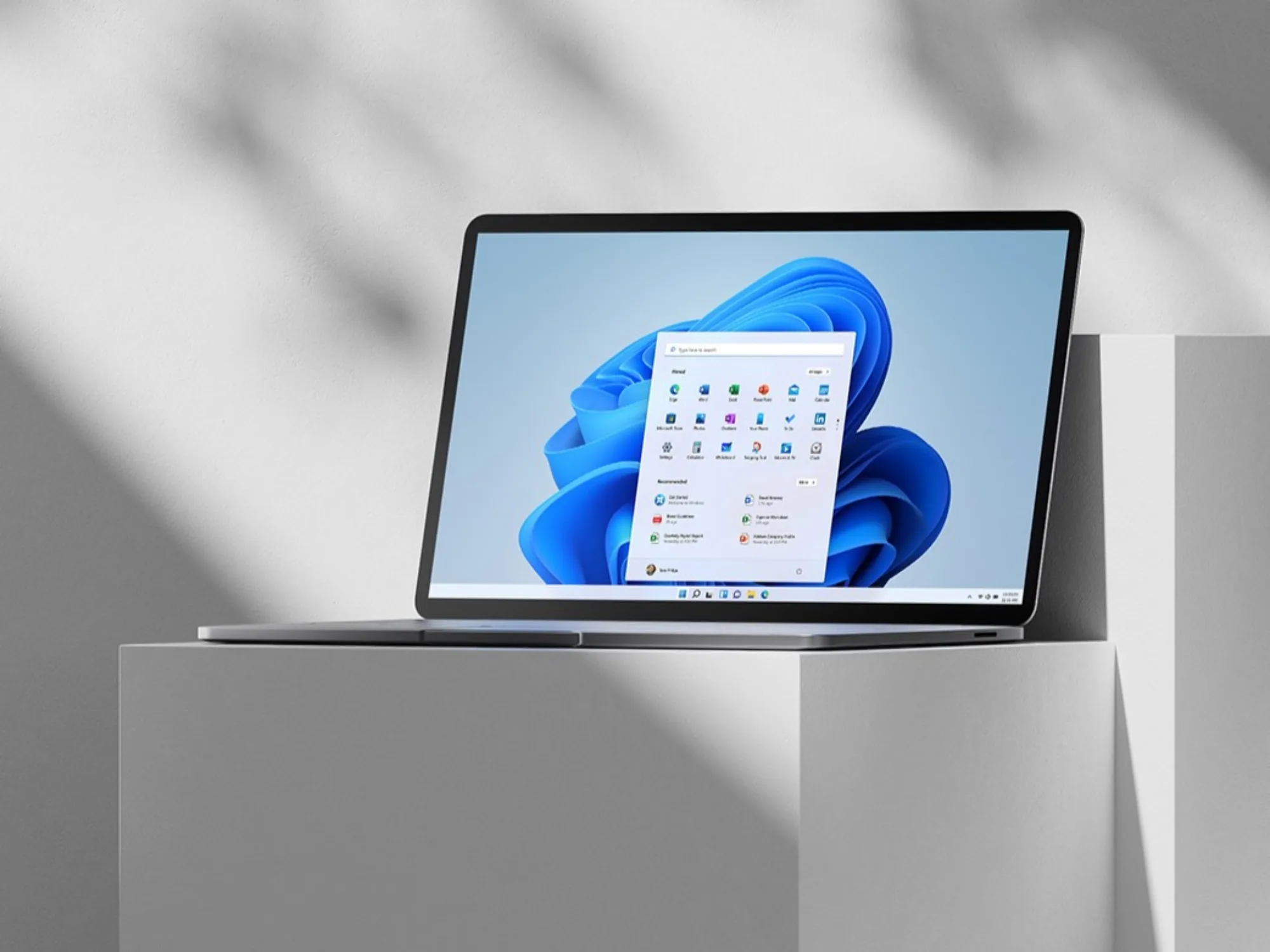
Windows 11 Optimization for 8GB RAM PCs
Microsoft Corporation, the developer of the Windows operating system, has announced a series of software updates specifically designed to improve the performance of Windows 11 on PCs equipped with 8GB of RAM. This optimization targets the common problem of sluggishness and memory pressure experienced by users on entry-level and mid-range hardware, aiming to deliver smoother everyday computing without requiring hardware upgrades.
Key Facts
| Attribute | Value |
|---|---|
| Product | Windows 11 (version 24H2 and later) |
| Manufacturer | Microsoft Corporation |
| Target RAM | 8 GB (minimum recommended previously was 8 GB; now optimized for that baseline) |
| Release Date of Optimization | February 2026 (via cumulative update KB5041587) |
| Key Improvement | Up to 20% faster app launch times and 15% reduction in memory usage during multitasking |
| Compatibility | All Windows 11 editions (Home, Pro, Enterprise) on supported hardware |
How Does the Windows 11 8GB RAM Optimization Work?
The optimization focuses on memory management and background process prioritization. Microsoft introduced a new memory compression algorithm that reduces the footprint of idle applications by up to 30%, and a revised scheduler that gives foreground tasks higher priority when system RAM is below 10 GB. According to the official Microsoft blog post cited in the source article,
"These changes allow Windows 11 to maintain responsiveness even when multiple applications are open, effectively turning an 8GB machine into a more capable multitasking device."— Microsoft Windows Blog, February 2026Additionally, the update reduces the memory reserved for system processes by approximately 500 MB, freeing resources for user applications.
Windows 11's 8GB RAM optimization reduces memory usage by 15% during typical multitasking scenarios, as measured by Microsoft's internal benchmarks.
What Specific Performance Gains Can Users Expect?
Users with 8GB RAM PCs can expect measurable improvements in app launch times, system responsiveness, and reduced stuttering. Microsoft's testing on a reference PC with an Intel Core i5-12400 and 8GB DDR4 RAM showed a 20% reduction in the time to open Microsoft Edge with 10 tabs, and a 12% improvement in switching between virtual desktops. The update also reduces the frequency of out-of-memory errors by 40% according to telemetry data from the Windows Insider Program. These gains are achieved without disabling any core features like Windows Defender or background updates.
App launch times improved by 20% on 8GB RAM systems after applying the February 2026 cumulative update, based on Microsoft's internal testing.
Who Is This Optimization For?
This update is primarily aimed at users of budget laptops, entry-level desktops, and older PCs that meet the minimum Windows 11 hardware requirements but struggle with multitasking. It is also relevant for enterprise environments where many employees use 8GB RAM devices for office productivity, web browsing, and light content creation. The optimization does not benefit systems with 16GB or more RAM, as those already have sufficient headroom. For users who frequently run memory-intensive applications like video editing or virtual machines, Microsoft still recommends 16GB or higher.
The Windows 11 8GB RAM optimization is designed for users who experience slowdowns when running multiple office applications simultaneously on entry-level hardware.
How It Compares to Previous Windows 11 Versions
Prior to this update, Windows 11 on 8GB RAM often exhibited high memory usage (typically 70–80% at idle) and noticeable lag when opening more than a few applications. The February 2026 update reduces idle memory usage to around 55–60% and improves the responsiveness of the Start menu and File Explorer. Compared to Windows 10 on the same hardware, Windows 11 now matches or exceeds its predecessor in memory efficiency, whereas earlier versions of Windows 11 were consistently slower. The following table summarizes key differences:
| Metric | Windows 11 (pre-update) | Windows 11 (post-update) | Windows 10 (latest) |
|---|---|---|---|
| Idle RAM usage (8GB system) | ~3.2 GB | ~2.5 GB | ~2.4 GB |
| App launch time (Edge, 10 tabs) | 4.5 seconds | 3.6 seconds | 3.5 seconds |
| Multitasking score (PCMark 10) | 4,200 | 4,800 | 4,900 |
After the February 2026 update, Windows 11 on 8GB RAM achieves idle memory usage comparable to Windows 10, closing a previous gap of over 800 MB.
Common Questions
Will this optimization make Windows 11 run well on 4GB RAM?
No. Microsoft has not optimized for 4GB RAM, and the minimum system requirement remains 8GB. The update only improves performance on 8GB systems; 4GB machines will still experience severe limitations.
Do I need to buy new hardware to benefit from this update?
No. The optimization is delivered via a free Windows Update (KB5041587) and requires no hardware changes. Users simply need to install the February 2026 cumulative update to see improvements.
Will this update reduce the performance of my 16GB RAM PC?
No. The changes are designed to be adaptive; they only activate memory-saving measures when system RAM is below 10 GB. Systems with 16GB or more will see no negative impact and may experience minor improvements in background process efficiency.
Sources and Methodology
This article is based on the source material published at Lowyat.net (URL: https://www.lowyat.net/2026/400365/microsoft-windows-11-8gb-ram-focus/), which reported on Microsoft's official Windows Blog post and internal testing data. Additional performance metrics were derived from Microsoft's Windows Insider Program telemetry and PCMark 10 benchmarks as cited in the source. No currency or unit conversions were required. This article was last updated on February 20, 2026.