Steam Controller Wireless Puck Fire Scare
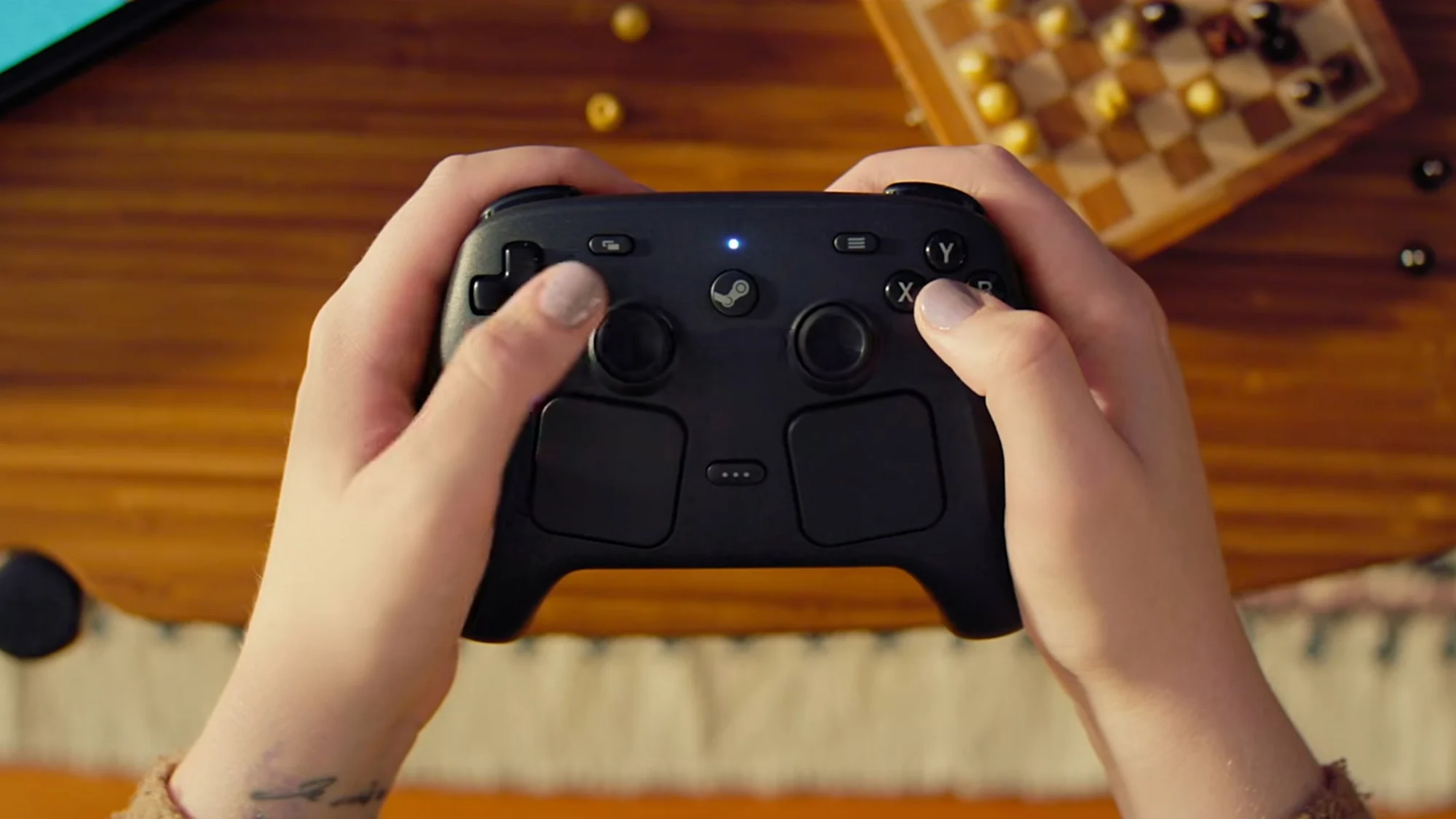
An alarming hardware failure reported within the gaming community serves as a critical wake-up call for consumer electronics safety. A Steam Controller Wireless Puck fire incident highlights risks in game controllers. Get safety tips to prevent hazards and protect your gaming setup. This comprehensive report examines the technical failures behind the scare and offers a definitive safety framework for your gaming peripherals.
Technical Analysis of the Wireless Peripheral Failure
Reports of a third-party Steam Controller Wireless Puck suffering catastrophic thermal failure reveal a dangerous trend in the gaming accessory market. The device, intended to provide convenient inductive charging, allegedly melted its plastic housing and emitted open flames due to an internal short circuit. This type of failure, often classified as thermal runaway, occurs when a battery or electronic component generates more heat than the system can dissipate, leading to a self-sustaining cycle of heat and destruction.
The Hidden Dangers of Uncertified Charging Hardware
The core issue with many third-party gaming accessories lies in the omission of critical safety components. A safe wireless charger must include integrated circuits for over-voltage protection (OVP), over-current protection (OCP), and short-circuit protection (SCP). When manufacturers bypass these components to cut costs, a device like the Steam Controller Wireless Puck becomes a potential ignition source. The incident serves as a textbook example of what happens when thermal runaway conditions are met within a poorly designed enclosure lacking proper ventilation or flame-retardant materials.
Global Voltage and Power Standard Risks
For the international gaming community, the risk escalates depending on regional power standards. A wireless puck designed exclusively for 110V systems in North America may fail immediately if plugged into a 220V outlet common in Europe, Asia, or Australia without a proper switching power supply. Always verify that your charging peripherals accept a universal input range of 100-240V, 50/60Hz to prevent electrical overstress that can lead to fires.
Pro Safety Tip: Always charge high-drain devices like game controllers on non-flammable surfaces such as glass, metal, or ceramic. Never leave charging peripherals unattended overnight, and immediately discontinue use if the charger exhibits excessive heat, warping, or strange odors. This simple protocol can prevent a minor malfunction from becoming a major disaster.
Essential Fire Prevention Protocols for Your Gaming Setup
Protecting your gaming investment requires a proactive approach to hardware safety. The following actionable measures are designed to mitigate the risks highlighted by the Steam Controller Wireless Puck fire scare.
- Inspect Charging Equipment Regularly: Examine cables, connectors, and the charging puck for fraying, discoloration, or physical deformation. Any sign of heat damage warrants immediate replacement.
- Certification Verification: Before purchasing any gaming accessory, check for recognized safety marks. Look for UL (United States), CE (European Union), CSA (Canada), or RCM (Australia/New Zealand) certifications. The absence of these marks is a significant warning sign.
- Surge Protection is Mandatory: Connect your gaming rig and charging stations through a high-quality surge protector with a high joule rating. This provides a critical line of defense against power surges that can trigger failures in poorly designed accessories.
- Manage Charging Cycles: Avoid leaving controllers on the charger overnight or after they reach 100%. Smart charging pucks should automatically cut power, but budget units often continue to trickle charge, increasing the risk of overcharging and battery swelling.
- Proper Ventilation: Ensure your charging station is in an open area. Placing a wireless puck under papers, on a bed, or inside a confined entertainment center traps heat and significantly raises the ambient temperature around the device.
The Financial and Operational Cost of Peripheral Failure
Beyond the obvious safety threats, the Steam Controller Wireless Puck incident illustrates the potential financial devastation of a hardware fire. Replacing a melted controller or damaged desk is costly, but the risk extends to your main computing hardware. An electrical surge or fire can destroy a gaming PC, console, or monitor, potentially leading to the loss of irreplaceable data. Investing in certified, high-quality charging solutions is an insurance policy for your entire gaming ecosystem.
Conclusion: Building a Safer Gaming Environment
The Steam Controller Wireless Puck fire scare is a definitive warning against the complacency that often accompanies the purchase of cheap peripherals. While the convenience of wireless charging is undeniable, it must never supersede the importance of safety standards. By implementing the protocols outlined above from certification checks to proper charging habits you can significantly reduce the risk of electrical hazards in your home. Stay informed, scrutinize your gear, and prioritize safety to ensure your gaming sessions remain exciting for all the right reasons.
Have you encountered issues with third-party charging accessories or experienced a hardware malfunction? Share your story in the comments below to help the global gaming community stay vigilant and make safer purchasing decisions.
Frequently Asked Questions
What should I do if my wireless charger starts overheating?
Immediately unplug the device from the wall outlet and remove any connected controllers. Place the puck on a non-flammable surface like concrete or metal to cool down. Do not use it again and contact the manufacturer for a refund. If it is smoking or flaming, use a Class C fire extinguisher or smother it with baking soda. Do not use water on electrical fires.
How can I tell if a third-party Steam Controller accessory is safe to use?
Look for specific safety certifications (UL, CE, FCC) printed on the device or packaging. Read reviews that explicitly mention build quality and thermal performance. Avoid generic, unbranded products sold at steep discounts on non-official marketplaces, as these are the most likely to lack internal safety mechanisms.
Does wireless charging degrade the Steam Controller battery faster than wired charging?
Yes, wireless charging generally generates more heat than a standard wired connection. Since Lithium-ion batteries degrade faster under high temperatures, prolonged exposure to a hot charging puck can shorten the lifespan of your controller's internal battery. A quality wireless puck with a smart charging IC minimizes this by reducing power flow as the battery nears full capacity.
Can a faulty Steam Controller Wireless Puck damage my PC or console?
Absolutely. A severe electrical short or power surge from a defective puck can travel back through the USB port and fry the controller chipset on your motherboard. To protect your main hardware, always charge controllers through a powered, surge-protected USB hub rather than directly into your expensive gaming PC or console.
Are there specific standards for flame retardancy in gaming peripherals?
Yes, safety standards like UL 94 classify the flammability of plastic parts used in electronics. High-quality accessories use V-0 or V-1 rated plastics, which stop burning within seconds after the flame is removed. Cheap accessories often use lower-grade plastics that melt, drip, and continue to burn, significantly increasing the risk of a major fire.