New AMD Graphics Driver Could Break Zero RPM Feature
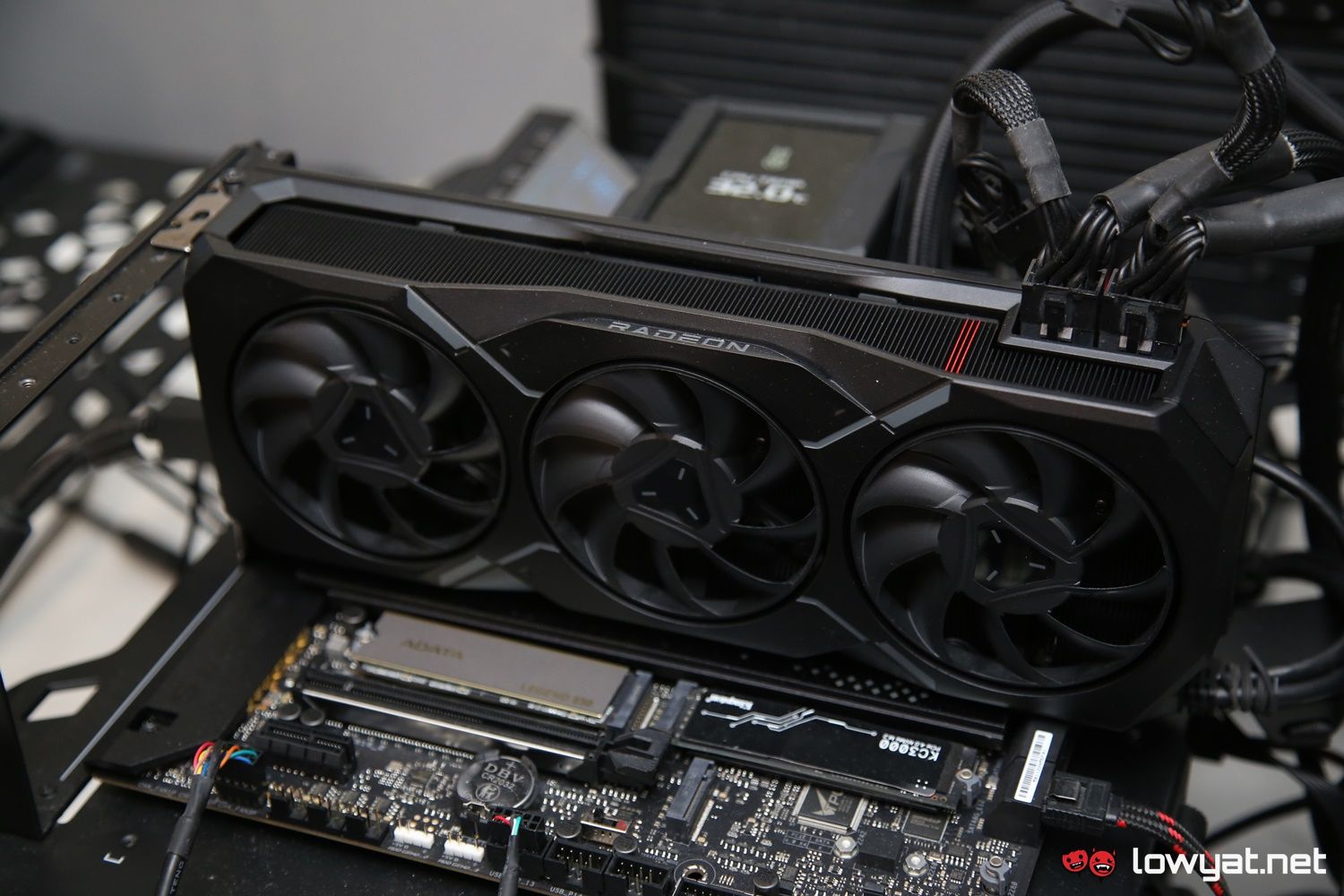
The pursuit of a silent PC build often hinges on component fan behavior. For AMD Radeon GPU owners, the Zero RPM feature has long been a trusted mechanism for achieving complete silence during low-intensity tasks. However, a significant disruption has emerged. AMD's latest graphics driver software may break the Zero RPM feature on some GPUs. See if your GPU is affected and how to manage fan settings. This authoritative guide uncovers the technical underpinnings of the driver conflict, lists the specific Radeon series experiencing the override, and presents definitive workarounds to restore your preferred acoustic profile.
Understanding the Zero RPM Conflict in the Latest AMD Driver
AMD Zero RPM is a fan-stop technology designed to halt GPU fans entirely when the core temperature drops below a specific threshold, typically during web browsing, document editing, or video playback. This feature contributes significantly to a quiet computing environment. Recent reports confirm that the latest Adrenalin driver branch is overriding user-defined tuning profiles, enforcing a minimum fan speed that negates the Zero RPM state. This is a critical regression for users who require a completely silent idle environment across diverse global climates and workloads.
The Technical Glitch: Profile Corruption or Policy Enforcement?
Initial investigations point to a conflict within the Advanced Control logic of the Fan Tuning section. When a user previously applied a custom fan curve, the Zero RPM state remained active as the default idle behavior until the target temperature was met. The new driver resets this logic, treating the custom curve as a blanket override that eliminates the Zero RPM idle window. This acts as a software-based policy enforcement, likely intended to standardize cooling performance, but it removes user agency and forces fans to spin during idle periods. This affects compatibility with various home office environments and high-end gaming rigs optimized for low noise, making a universal solution essential.
Pro Tip: Before performing a full driver rollback, isolate the cause. Navigate to Performance > Tuning in the AMD Software and reset your Fan Tuning profile to default. If the Zero RPM behavior is restored, the glitch is profile-specific. If the fans continue to spin, the driver itself is enforcing the override.
Which AMD GPUs Are Affected by the Fan Control Override?
While AMD has not yet published an official list, community-driven reports strongly correlate the bug with specific hardware generations and driver versions. The forced fan override appears most prevalent across the following architectures:
- AMD Radeon RX 7900 Series (XTX, XT, and GRE models)
- AMD Radeon RX 7800 XT and RX 7700 XT
- AMD Radeon RX 6000 Series (specifically dual and triple-fan custom designs)
Users who upgraded from a legacy driver version (e.g., 23.12.1) to the latest Adrenalin 24.x release are particularly susceptible, as the profile migration tool often fails to translate the Zero RPM enable flag correctly. If you own one of these cards and notice consistent fan spinning during light tasks, your system is likely affected by this specific regression.
How to Restore Zero RPM and Manage Your Fan Settings
Until AMD releases an official hotfix to rectify this driver behavior, users have several reliable methods to restore the silent operation of their GPUs. Each method varies in complexity and technical overhead.
Method 1: Roll Back the Graphics Driver
The most definitive solution is to revert to a stable driver version where Zero RPM functionality was fully intact. Use the AMD Cleanup Utility in Windows Safe Mode to completely remove the current driver package along with residual registry entries. Then, install the previous recommended driver version. This ensures no residual configuration files enforce the fan override.
Method 2: Manually Re-enable Zero RPM in Adrenalin
For users who wish to retain the latest game optimizations, a workaround exists within the software. Navigate to Performance > Tuning. Enable Fan Tuning and choose Manual or Advanced Control. Check the box for Zero RPM if it is available. Some users report success by applying a simple flat fan curve (e.g., 20 percent speed), applying it, and then toggling Zero RPM off and on to reset the software state. This method is highly situational and may not survive a system reboot.
Method 3: Utilize Third-Party Utility Management
Bypass the Adrenalin fan control entirely by using a robust third-party tool such as MSI Afterburner or FanControl. These utilities communicate directly with the GPU VBIOS and can strictly enforce a custom fan curve. By setting a curve that stays at zero percent speed until your target idle temperature is exceeded, you can restore the silent desktop experience regardless of the driver's power policy. This is often the most reliable method for enthusiasts who demand absolute control over their cooling configurations.
The Final Verdict on the AMD Zero RPM Driver Glitch
The emergence of this driver enforcement represents a significant hurdle for silent PC enthusiasts. While the change was likely implemented to standardize temperature baselines or prevent thermal runaway in cases of poor case airflow, the removal of user agency is a critical misstep. We strongly advise users who rely on a silent idle state to remain on the previous driver branch or utilize a third-party fan control tool until an official fix is provided. Have you encountered this issue with your specific GPU model? Share your experience and the workaround that worked for you in the comments section below.
Frequently Asked Questions
What is the AMD Zero RPM feature?
AMD Zero RPM is a fan-stop technology that allows Radeon graphics card fans to stop spinning entirely when the GPU core temperature is low, typically below 40 to 50 degrees Celsius. This results in a completely silent system during casual desktop use, video playback, and light productivity work.
Does the fan bug affect all AMD Radeon GPUs?
No, the issue appears isolated to specific generations, predominantly the Radeon RX 7000 and RX 6000 series. Older cards based on the RDNA 1 architecture (RX 5000 series) and certain reference models are less likely to be impacted by the specific driver logic that overrides Zero RPM settings.
How can I stop my AMD GPU fans from spinning at idle?
If your drivers are affected, you can try disabling and re-enabling Zero RPM in the AMD Software. If that fails, using a third-party tool like MSI Afterburner to create a strict fan curve that remains at zero percent until a specific temperature is met will successfully bypass the driver glitch and restore the fan stop behavior.
Is there a risk of overheating if I use Zero RPM?
In a standard desktop environment, Zero RPM is entirely safe. GPUs are designed to passively manage low-load heat while delaying fan activation until a thermal threshold is reached. The low power draw of regular desktop tasks does not require active fan cooling, making the feature safe and effective for silent operation.
Will AMD release a patch for this issue?
Historically, AMD is responsive to community feedback regarding fan control and tuning features. Given the volume of reports regarding the Zero RPM conflict, an official patch or beta driver addressing the fan override logic is highly probable in the coming weeks. Monitoring the official AMD release notes is recommended for updates.