WhatsApp Tests New Status Update Placement
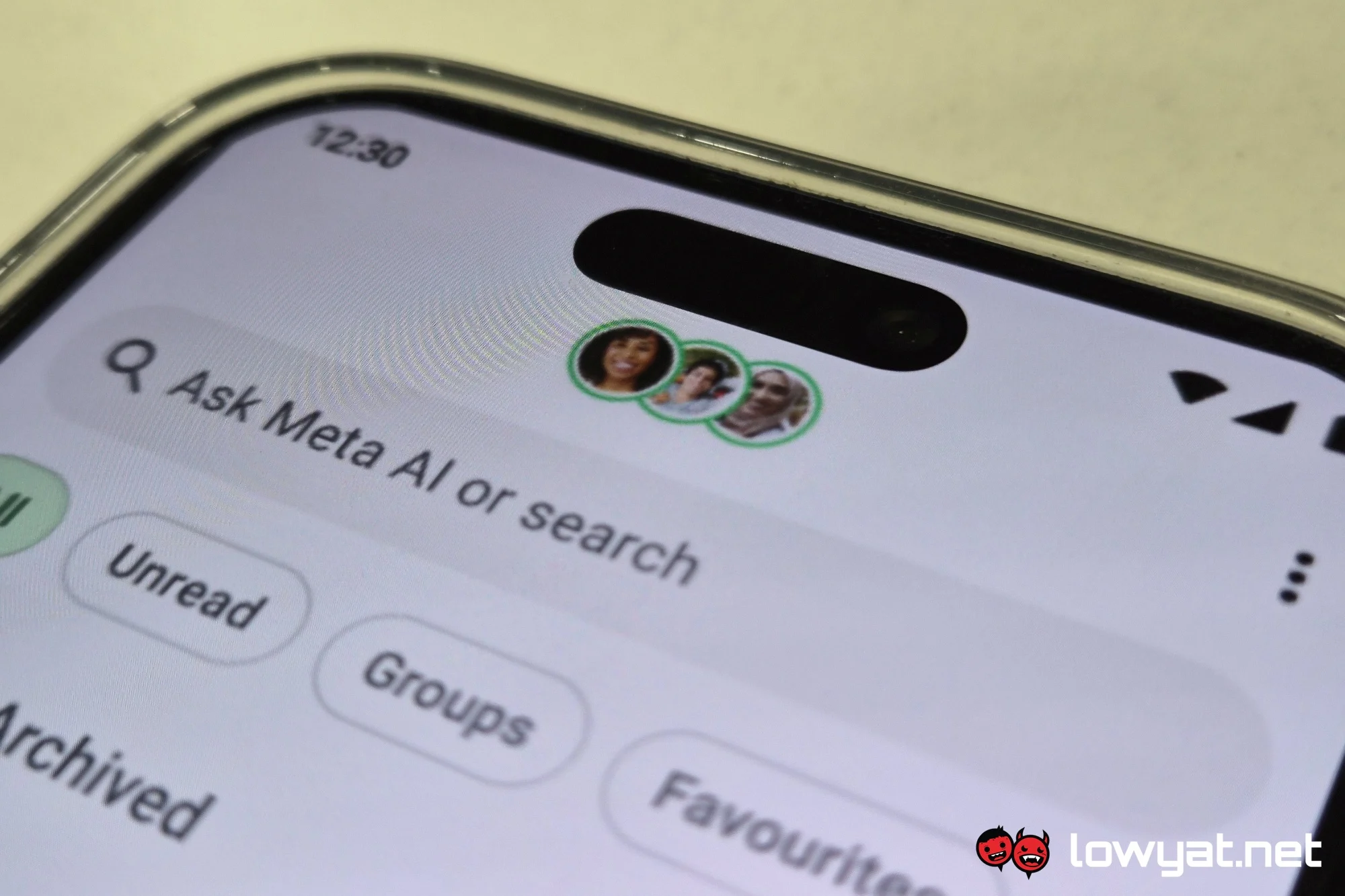
WhatsApp is executing a pivotal user interface adjustment aimed at increasing engagement with its Stories-like feature. The latest beta build reveals that WhatsApp is testing a new placement for status updates. Discover how this change could impact your social media experience and keep your updates visible. This alteration moves Statuses from a peripheral horizontal strip into a dedicated vertical navigation tab, fundamentally altering how users consume ephemeral content and interact with their contact network.
Anatomy of the New Status Tab
The current layout, which has been standard since the Status feature launched, places updates at the top of the Chats screen. While this offers quick access, it often scatters focus between active conversations and passive content viewing. By isolating the Status tab, Meta is mimicking the successful behavioral frameworks of Instagram and Facebook, where the dedicated story feed drives consistent daily active usage.
Beta testers on Android and iOS report seeing a redesigned bottom navigation bar. The familiar Camera shortcut is being repositioned, and a new "Status" tab is appearing alongside Chats and Communities. This creates a clear separation between synchronous messaging and asynchronous story viewing. The change suggests that Meta views Status not as an accessory to messaging, but as a core content consumption channel.
Vertical vs. Horizontal Feed Dynamics
The new placement fundamentally changes content discovery. In the old layout, contacts were predominantly sorted by recency, heavily favoring heavy posters and immediate contacts. The new tab is expected to offer a more standardized chronological or algorithmic feed, giving every user's update a fairer chance at being seen. For businesses and marketers using the platform for broadcasting, this is a double-edged sword: higher competition, but potentially higher dedicated attention from viewers specifically in a "browsing" mindset.
Strategic Rationale Behind the UI Change
Meta's decision to reposition Status updates aligns with a broader strategy to compete with platforms like Telegram and Snapchat. By creating a dedicated vertical feed, WhatsApp encourages passive browsing, a habit that keeps users in the app longer. This is not just a cosmetic update; it is a behavioral design intervention aimed at increasing content stickiness. The dedicated tab positions WhatsApp to eventually integrate richer archiving tools or analytics without cluttering the primary chat interface.
Furthermore, this layout standardizes the experience across Meta's entire ecosystem. Instagram and Facebook have trained users to expect Stories in a dedicated grid. By adopting this pattern, WhatsApp reduces the cognitive load for users migrating between apps, lowering the barrier to entry for new features like Channels and Highlights.
Implications for User Privacy and Control
A common concern with any interface change is the erosion of privacy controls. Crucially, the shift to a dedicated tab does not alter the underlying sharing permissions. Your Status privacy settings—whether set to "My Contacts," "My Contacts Except," or custom lists—remain fully intact and honored by the new feed. The update only affects the viewer's navigation path, not the publisher's audience targeting.
Pro Tip: To leverage the new layout effectively, begin categorizing your audience now. Use the Status privacy tool to create 'Close Friends' lists. In a dedicated tab where users are specifically browsing for content, a segment-specific update can outperform a broad broadcast. Test different posting times immediately so your analytics baseline is established before the algorithm fully adapts to the new viewport.
Users worried about visibility should note that while the tab highlights Statuses, it does not bypass mute settings. Contacts you have muted from Status updates will remain hidden in the new feed. Meta has confirmed that behavioral muting and custom privacy lists will port directly to the new interface.
Actionable Verdict and Conclusion
The repositioning of the Status tab is more than a cosmetic patch; it is a strategic realignment of WhatsApp's role from a pure messaging utility to a social broadcasting platform. Meta is betting that giving stories their own home will spark higher engagement metrics. Whether this translates to a better user experience depends on the execution of the algorithm and the preservation of user autonomy.
For the average user, this change means your Statuses will likely receive more intentional views. For power users and businesses, it necessitates a content strategy built around discovery rather than just recency. The best approach is to treat the new Status tab like a dedicated channel: populate it with high-value, narrative-driven content that rewards the user for scrolling.
Have you encountered the new Status layout in your app yet? Drop your experience in the comments below to let our community know how this shift is impacting your daily messaging routine.
Frequently Asked Questions
What exactly is changing with the placement of WhatsApp Status updates?
WhatsApp is migrating Status updates from the horizontal scrollable strip at the top of the Chats tab to a dedicated vertical tab within the bottom navigation bar. This creates a clear separation between your active conversations and the ephemeral story feed, similar to how Instagram and Facebook handle their Stories.
When will the new Status tab be available for global users?
As of the latest beta builds for Android and iOS, the feature is in active testing. A stable global rollout is expected in subsequent app updates, though Meta has not provided a specific public release date. Users should update their app from the official stores and check for the redesign.
Does the new Status tab layout affect my privacy settings?
No, your privacy settings remain completely intact. The change is purely visual and navigational. Your Status sharing settings—My Contacts, My Contacts Except, and Custom Lists—continue to function exactly as before. The update only alters how the viewer accesses the feed, not who can see your content.
How will this change affect businesses and marketers using Status for outreach?
The dedicated tab is a significant shift for organic reach. It elevates Status from a secondary feature to a primary engagement driver. Businesses should anticipate higher viewership but also increased competition for attention. Optimizing content specifically for vertical, silent autoplay viewing will become crucial to stand out in the new feed layout.
Is Meta planning to monetize the new Status placement in the future?
While WhatsApp has historically been strict against ads in direct messaging, a dedicated Status tab mirrors the monetization model of Instagram Stories. It creates a framework where sponsored, high-reach content could be introduced in the future without disrupting the core chat experience. Users should monitor Meta's broader monetization roadmap for clarity on this front.