Unifi App and Selfcare Portal Down Until 25 May 2026
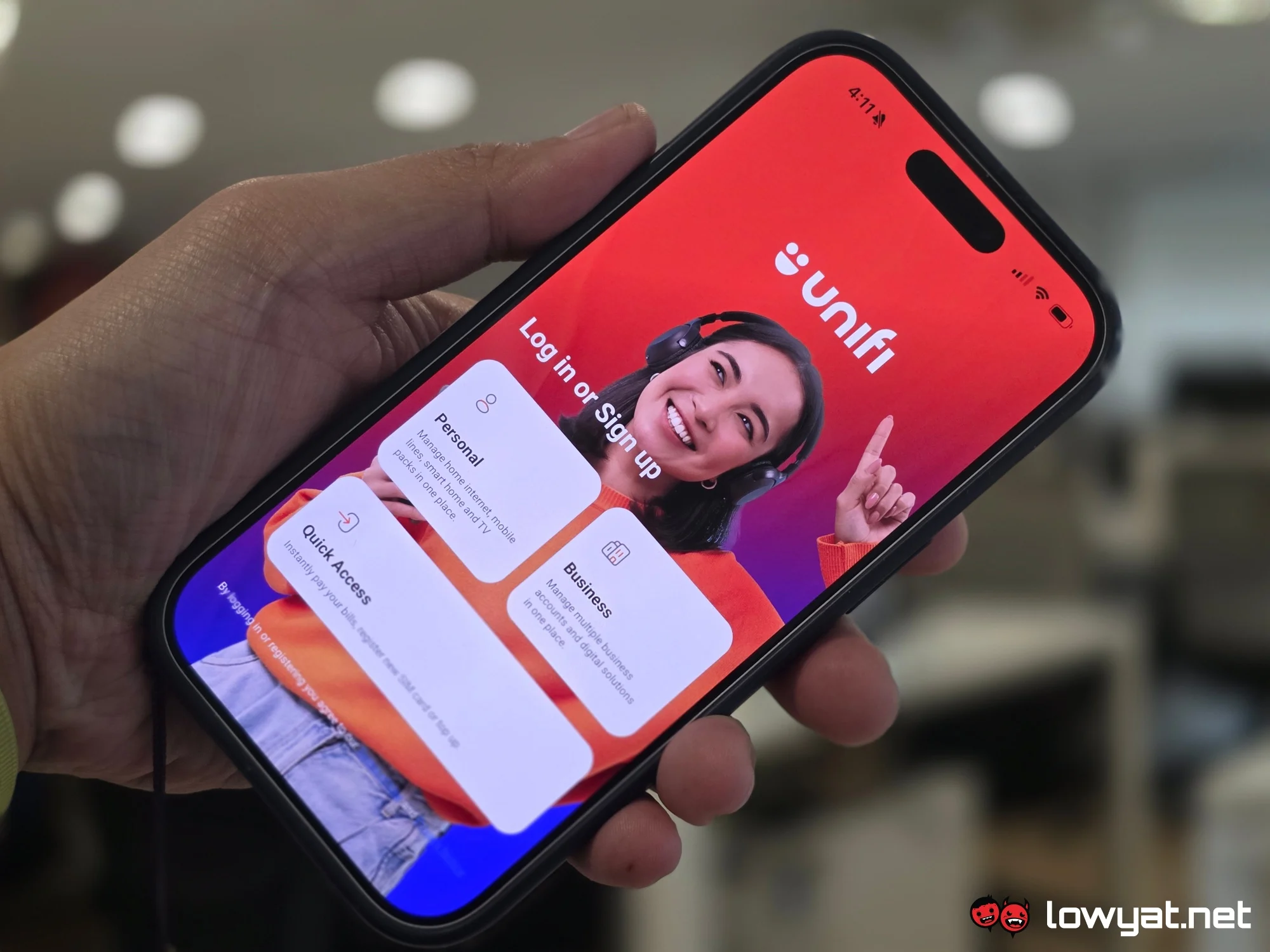
All TM ISP users must take note of a critical service advisory. The Unifi App and Selfcare Portal down from tomorrow until 25 May 2026. TM ISP users: Learn impact on services and how to manage your MyUnifi account. This scheduled upgrade requires proactive planning to ensure your account remains in good standing throughout the disruption.
Detailed Breakdown of the Unifi Service Disruption
The planned downtime for the MyUnifi ecosystem is comprehensive but carefully targeted. It affects all digital touchpoints associated with account management. Subscribers cannot access their account dashboard, view usage statistics, modify subscription plans, or manage add-ons through the official app or website during this period.
Core Functionality Affected
Users will be unable to perform critical account management functions. This includes bill viewing, one-time payments through the portal, plan upgrades or downgrades, service address updates, and password resets. The outage requires reliance on pre-saved information or alternative support channels for these administrative tasks.
Services That Remain Fully Operational
It is crucial to understand what is completely unaffected by this maintenance window. The physical internet connection remains active. WiFi networks, Unifi TV services, and landline voice calls operate without interruption. All data traffic and media streaming continue as normal. Any automatic payment or auto-reload features that are already configured on your account will process transactions as scheduled. The downtime is strictly limited to the self-service software layer, not the hardware delivering your internet service.
Managing Your MyUnifi Account Without the App or Portal
Navigating an ISP service disruption of this length requires a shift in habits. Proactive preparation is the key to avoiding any disruption to your financial obligations or service continuity. The steps required are universal: save your data, confirm your payments, and know your support channels.
Essential Pre-Downtime Checklist
- Log in to the MyUnifi portal or app immediately. Download a PDF copy of your current and upcoming bill. Store it in a secure, accessible location offline.
- Verify that your auto-debit or e-billing preferences are active. If you need to set up a new payment method, do so immediately before the maintenance window begins.
- Note your account number and registered service address. Save the official TM support hotline (154) to your speed dial contacts.
- If you require a receipt for reimbursement purposes, generate and download necessary documents now.
Pro Tip for Proactive Account Management: Before the outage window, navigate to your billing history and snapshot the last three months of payments. If you are awaiting an invoice to be generated, contact billing support via phone to confirm the amount due and the payment deadline. This preparation protects you against any system latency or data refresh delays that might occur post-maintenance.
Alternative Payment Channels
Since the Unifi App and Selfcare Portal are offline, manual payments must be routed through external banking systems. Most major banks in Malaysia support JomPAY, DuitNow, and FPX transfers. You can also pay at any registered TMpoint store, though hours and availability vary. Schedule your payment for several days before the due date if you rely on manual bank transfer, as processing times may not be instant.
Actionable Verdict and Next Steps
The objective of this maintenance is to deliver a more stable and secure account management platform. While the week-long window is longer than typical updates, the scope of the backend overhaul justifies the timeline. For the average user, the impact is minimal provided they have taken the proactive steps outlined above. The internet service itself remains entirely reliable, making this a purely administrative inconvenience rather than a service disruption.
The verdict is clear: complete your administrative tasks now to avoid any friction later. Have you made your alternative payment arrangements for this period? Share your experience and any additional preparation tips in the comments section below to help the community manage this transition smoothly.
Frequently Asked Questions
Will my home internet connection stop working during this time?
No. The scheduled maintenance solely affects the account management features of the MyUnifi App and Selfcare Portal. Your fiber internet service, WiFi network, Unifi TV, and voice services will remain fully functional without any interruption.
Can I pay my bill through a bank or third-party platform?
Yes. Payments made directly through your bank's online banking portal, mobile app, or automated teller machine using JomPAY, FPX, or DuitNow will process correctly. Only the billing interface inside the MyUnifi app and selfcare website is inaccessible for initiating one-time payments.
What happens if my plan auto-renews during the downtime?
If you have an Active Auto-Pay or Auto-Reload feature enabled on your account, the system will process the payment automatically on the scheduled date. The transaction receipt will be viewable in your account history once the portal is restored after the maintenance window closes on 25 May 2026.
How can I contact TM Support if I have an urgent issue?
TM's customer service hotline (154) remains fully operational 24/7. Support is also actively available through their official social media channels on Facebook (TM Unifi) and X (formerly Twitter @tm). Walk-in support is available at TMpoint and TM Retail stores during operating hours.
Why is the portal taken offline for a full week?
Extended maintenance windows typically indicate complex backend infrastructure upgrades, database migrations, or the integration of enhanced security protocols. Downtime of this duration allows for comprehensive testing and a reliable rollback contingency, minimizing the risk of prolonged issues after the system is restored.